What Is SocialSight Multiverse? Put Your Character in Any Clip
SocialSight2 min read
On this page
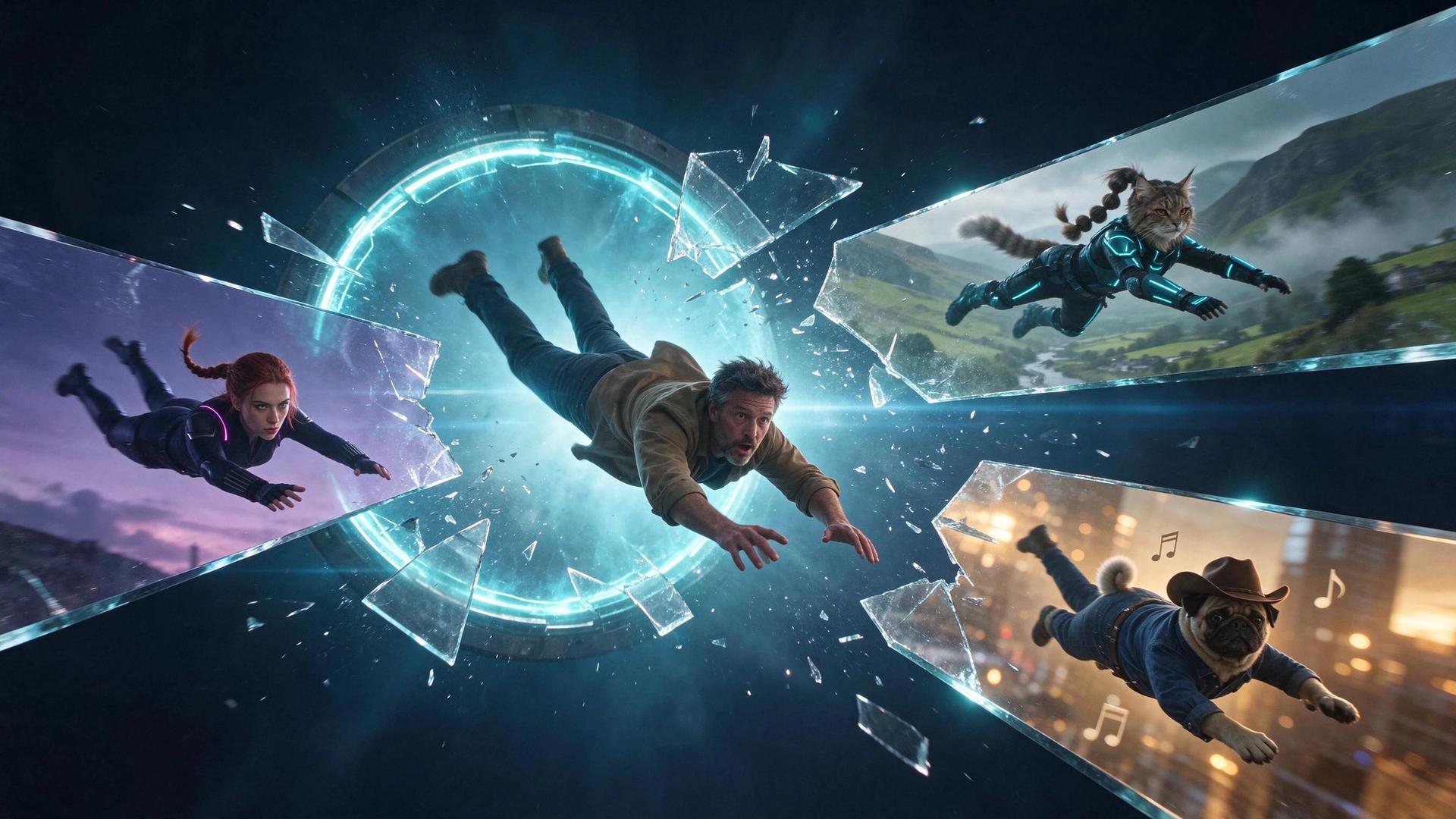
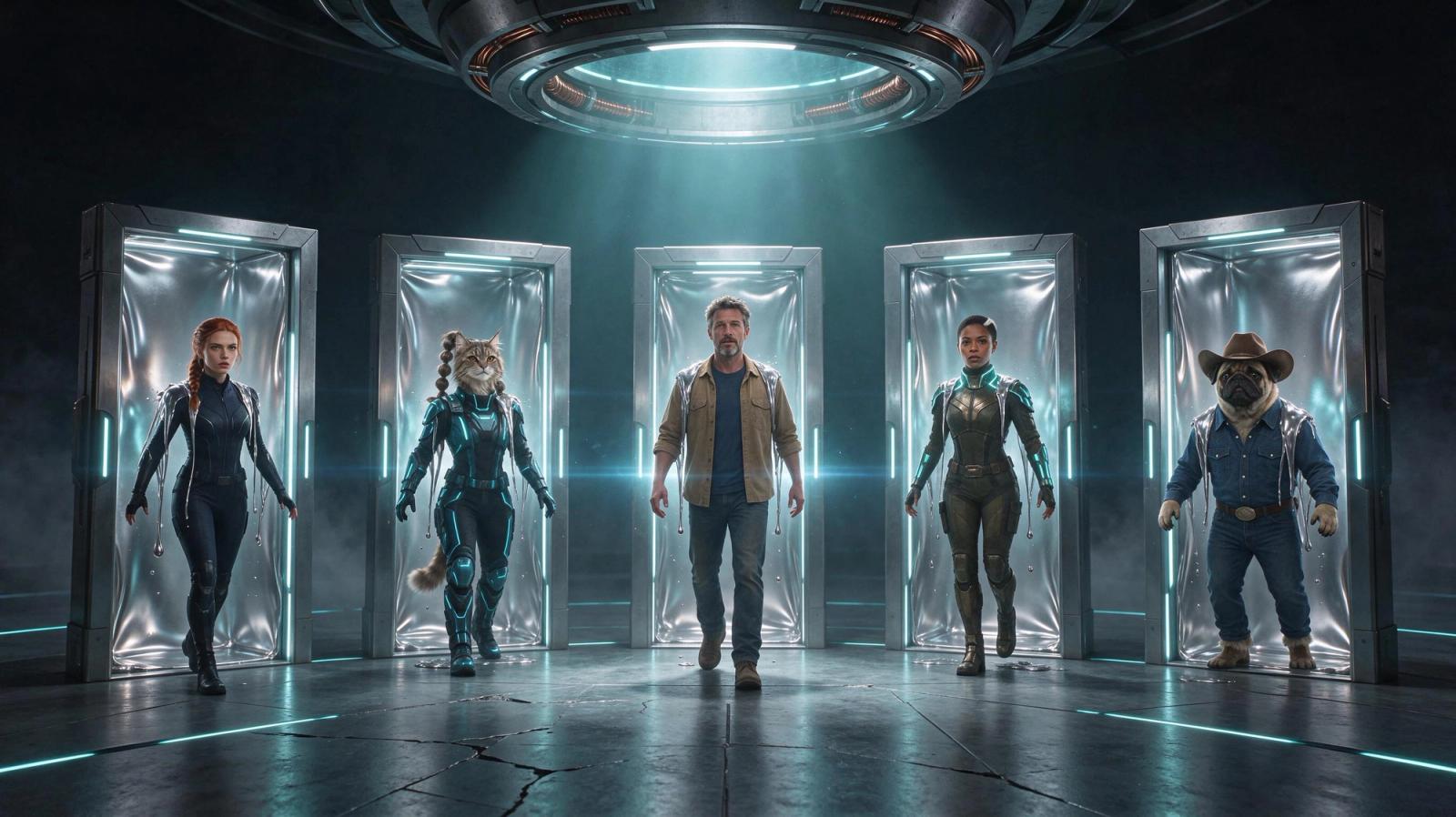
Multiverse is SocialSight's tool for putting your own character into an existing video clip. Instead of filming something new, you start from a clip that already works, like a dance or a funny scene, and swap in a character you made. The new video keeps the original motion, camera, and setting.
What is SocialSight Multiverse?
Multiverse is an AI character swap tool. You give it a clip with a person in it, pick a character, and it makes a new video where your character takes that person's place. The moves, the camera, and the setting all stay the same.
That means you can post with a recognizable character without filming anything new. Build your character once in Character Factory, then drop it into clip after clip.
The engine behind it
Multiverse runs on the SocialSight Multiverse Engine. It powers the whole feature and is optimized for your best possible take, so it's the default and the one we recommend.
Want a different feel? Pick one of the other engines: Seedverse for the most consistent results, WANverse for the best value, Klingverse for more creative freedom, or Miniverse for faster, cheaper short clips.
How to use Multiverse
- Add a clip. Upload a video 4 to 30 seconds long, or pick one from the clips already in Multiverse.
- Add a character. Choose one of your own characters or one of SocialSight's Blueprint characters.
- Pick an engine, a voice, and a quality.
FAQ
What is SocialSight Multiverse?
Multiverse is SocialSight's AI character swap tool. It puts your character into an existing clip and keeps the original motion, camera, and setting.
How long can my clip be?
Clips can be between 4 and 30 seconds long. Different engines support different maximum lengths, so check the engine you pick.Clips can be between 4 and 30 seconds long. Longer clips take more time to prepare and cost more.
Why was my clip rejected?
Share
XLinkedInFacebookEmailWhatsApp